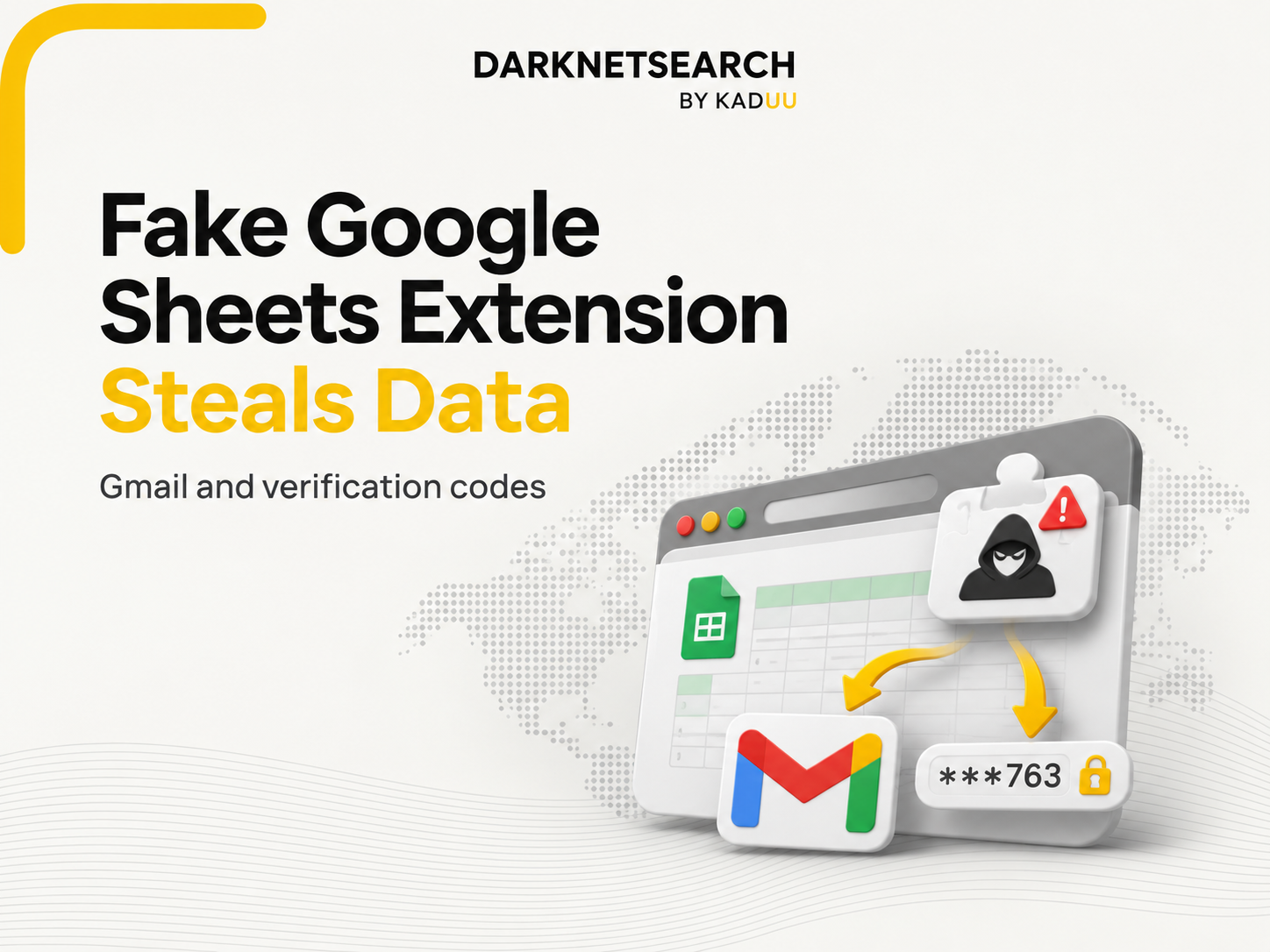
A fake Google Sheets extension is being deployed by Remus Stealer to intercept Gmail messages, potentially exposing sensitive business communications, password recovery links, and verification codes. According to research published by Gen Threat Labs on November 24, 2026, the malware installs a malicious Chrome extension that abuses existing authenticated browser sessions rather than exploiting a previously unknown Gmail vulnerability.
The discovery highlights a growing challenge for enterprise security teams: protecting corporate identities requires more than securing passwords and enforcing multifactor authentication (MFA).
When an endpoint is compromised, even legitimate cloud applications can become sources of valuable intelligence for cybercriminals.
Fake Google Sheets Extension: What Security Researchers Discovered
Researchers have identified a malicious Chrome extension associated with Remus Stealer, an information-stealing malware family distributed through the cybercriminal ecosystem.
The extension impersonates Google Sheets, a familiar productivity application widely used by businesses. However, its actual purpose is to collect email content from compromised browser environments.
Unlike conventional malicious extensions that depend on users approving an installation, the analyzed Remus module can install its browser component without the victim’s knowledge.
This distinction matters because employees may become victims without deliberately downloading a suspicious browser extension.
The findings also challenge earlier claims from the malware’s developers suggesting that their technology exploits a Gmail zero-day vulnerability. Technical analysis instead points to unauthorized access through an infected endpoint.
How Remus Stealer Intercepts Gmail Messages
Remus Stealer uses a malicious browser component to access Gmail through an existing authenticated session. Once installed on a compromised endpoint, the extension can retrieve email information and transmit it to infrastructure controlled by cybercriminals.
The attack illustrates how browser-based malware can exploit the trust established between users, devices, and cloud applications.
Potentially exposed information includes:
- Email subjects and message content.
- Sender and recipient information.
- Account verification codes.
- Password recovery links.
- Confidential business communications.
- Security notifications.
The available research does not establish that every Gmail account configuration is vulnerable or that the extension can retrieve all historical messages and attachments.
Nevertheless, access to newly received emails can create significant security risks, particularly when organizations use email as a mechanism for account recovery and identity verification.
Our analysis of malicious Chrome extensions and credential theft examines the broader enterprise risks associated with browser-based threats.
Why Email Interception Creates an Account Takeover Risk
Corporate email accounts frequently act as recovery mechanisms for multiple business applications.
An employee may use the same mailbox to receive notifications from cloud platforms, CRM systems, financial applications, collaboration tools, and customer portals.
If attackers gain access to these messages, the potential consequences extend beyond email confidentiality.
Consider a compromised employee who receives a password recovery email for a business application. An attacker with mailbox visibility could potentially exploit that recovery process, depending on the application’s authentication controls.
This creates an account takeover (ATO) risk that may affect services beyond Google Workspace.
For security teams, the primary concern is the interconnected nature of corporate identities. A single infected browser can expose information associated with multiple applications, business relationships, and authentication workflows.
Does the Fake Google Sheets Extension Bypass MFA?
The reported attack does not demonstrate that Google’s MFA technology has been broken. Instead, the malware abuses a browser environment in which authentication has already occurred.
This is an important distinction.
Multifactor authentication protects the login process, but it cannot independently guarantee the integrity of an authenticated device.
Email-based verification mechanisms also become less reliable when attackers can access the mailbox receiving those codes.
Changing a password remains necessary in many compromise scenarios, but it does not remove malware from an infected endpoint. Comprehensive remediation must address both identity security and device integrity.
How Infostealer Infections Can Lead to Dark Web Exposure
Infostealer malware operates within a wider criminal economy involving malware developers, access brokers, credential sellers, and other threat actors.
Information collected from compromised devices may be retained privately, exchanged between criminal groups, or distributed through underground marketplaces and communication channels.
For enterprises, exposed information can include corporate credentials, authentication artifacts, employee identities, and details about internal applications.
DarknetSearch provides credential and stealer log monitoring to help security teams investigate whether organizational identities and assets appear in collected external threat intelligence.
Organizations should complement this visibility with security awareness training to reduce exposure to deceptive software downloads, malicious browser extensions, and social engineering.
Similarly, domain monitoring can help identify suspicious lookalike websites that may support malware distribution or subsequent phishing campaigns.
There is currently no evidence established by the cited research that emails intercepted through this specific fake Google Sheets extension have been publicly leaked or sold on the dark web. Such exposure represents a potential downstream risk rather than a confirmed outcome.
How SOC Teams Can Detect Malicious Browser Activity
Security operations teams should treat unexpected browser extensions as potential indicators of endpoint compromise, especially when accompanied by suspicious authentication or network activity.
Relevant investigative signals include:
- Unapproved browser extensions installed on corporate devices.
- Unexpected changes to Chrome configuration.
- Browser developer settings enabled without authorization.
- Suspicious outbound connections associated with browser processes.
- Malware alerts involving employee workstations.
- Unusual account recovery requests or mailbox activity.
These signals should be correlated across endpoint detection and response (EDR), identity management, browser management, and security information and event management (SIEM) platforms.
An unfamiliar extension name alone is insufficient to confirm an infection. Analysts should examine its origin, installation history, permissions, and associated endpoint telemetry.
Incident Response: What to Do If an Employee Is Compromised
Organizations investigating a suspected Remus Stealer infection should prioritize coordinated containment.
1. Isolate the affected endpoint
Disconnect the compromised device from corporate resources and preserve relevant evidence according to established incident response procedures.
2. Secure affected identities
From a trusted device, revoke affected authentication sessions, reset compromised credentials, and review account recovery methods.
3. Investigate mailbox activity
Examine security events, forwarding rules, connected applications, recovery changes, and suspicious access patterns. Assess whether additional business accounts could have been affected.
4. Remediate the device
Remove unauthorized browser components and investigate the underlying malware infection. Rebuild the affected endpoint where necessary to restore confidence in its integrity.
5. Investigate external exposure
Monitor relevant employee identities and corporate domains for newly discovered credential exposures or associated criminal activity.
External intelligence can support incident scoping, but the absence of a matching record does not establish that information was never stolen.
How Enterprises Can Reduce Browser-Based Threats
Browser security should be treated as an established component of enterprise security architecture.
Organizations can reduce their exposure by enforcing approved extension policies, centrally managing browser configurations, restricting unnecessary software installations, and maintaining endpoint protection.
Security teams should also review whether sensitive applications rely heavily on email-based recovery and verification mechanisms.
Phishing-resistant authentication, including passkeys and hardware security keys, can strengthen identity protection. However, these measures must operate alongside endpoint security because authenticated devices remain valuable targets.
For MSSPs, standardized browser security policies and continuous external exposure monitoring can provide additional investigative context across multiple customer environments.
Frequently Asked Questions
Is the fake Google Sheets extension an official Google product?
No. Researchers identified a malicious browser extension impersonating Google Sheets and associated with Remus Stealer. The findings do not establish that Google’s legitimate spreadsheet application has been compromised. Organizations should verify installed extensions through their approved software inventories and investigate unauthorized additions.
Can Remus Stealer access Gmail after a password change?
Continued access after comprehensive session revocation has not been established. However, changing a password does not remove an installed malicious extension. If an employee subsequently authenticates again on an infected device, the malware could potentially regain access. Both the endpoint and the affected accounts require remediation.
Can dark web monitoring detect Remus Stealer infections?
External threat intelligence may identify credentials or other artifacts associated with infostealer infections when those records become available within monitored sources. It cannot directly inspect infected endpoints or guarantee detection of every infection. Organizations should combine external monitoring with EDR, identity security, and incident response capabilities.
Strengthen Your Visibility Into Compromised Credentials
The fake Google Sheets extension demonstrates why enterprise security must extend beyond passwords, authentication controls, and traditional network boundaries.
DarknetSearch helps security teams and MSSPs investigate exposed credentials, infostealer records, data leaks, and external cyber threats through a dedicated cyber threat intelligence platform.
By combining external intelligence with existing endpoint and identity security controls, organizations can develop a more informed understanding of their exposure and prioritize investigations accordingly.
Explore DarknetSearch with a free trial and discover how actionable threat intelligence can strengthen your organization’s visibility into compromised identities and emerging external risks.